

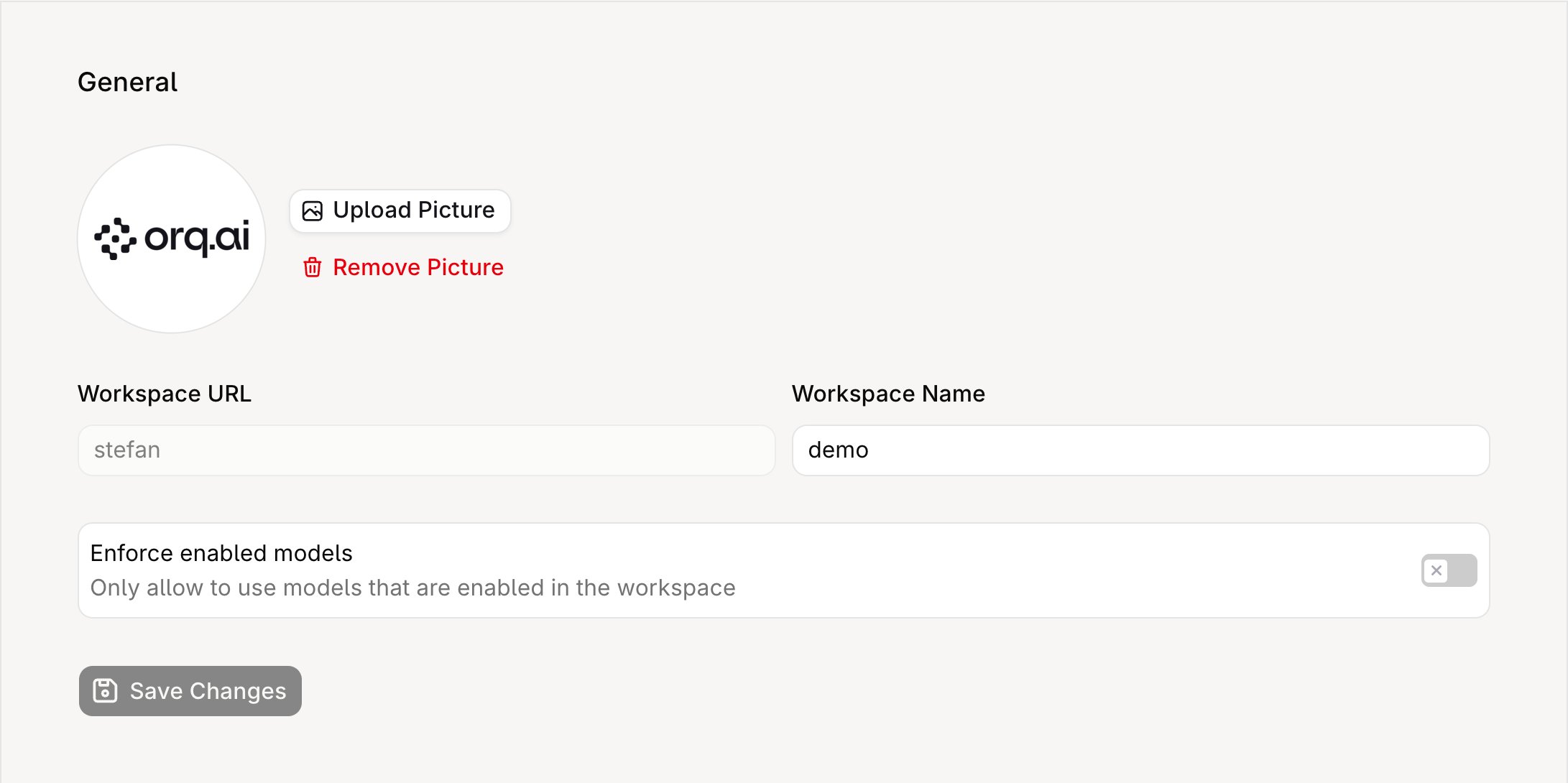
General Settings page showing workspace avatar, URL, name, and enforce-enabled-models toggle.
Only workspace Admins can modify these settings.
The workspace URL (slug) is read-only and cannot be changed through the UI or API, as it is embedded in resource URLs and API credentials.
Enforce enabled models
When this toggle is off (the default), any model available through the AI Gateway can be used in Deployments, Agents, and Experiments, even if the model is not explicitly enabled for the workspace. When toggled on, only models that have been explicitly enabled in the workspace model list are available. Requests that reference a non-enabled model are rejected.Tracing
Tracing Enabled controls whether the workspace stores span payloads and runs trace automations, webhooks, and Signals. Turning it off leaves span records and their model, token, and cost metadata in place, so usage and cost views keep working; it stops the payload objects, the automations and webhooks each trace would trigger, and Signals scoring. Data Retention lists which records expire. Tracing retention period sets how long tracing data is kept. The select lists periods up to the plan maximum, and longer periods are disabled. The select stays disabled while tracing is off, so turn tracing on first to change the period.API access
Workspace settings can be read programmatically:- Retrieve workspace settings: returns the current configuration including the read-only workspace key.
Delete a workspace
To delete a workspace, archive it with Update a workspace. The workspace is permanently deleted 14 days later.cURL